Codes
Be Tornado For Brainrots has zero confirmed promo codes as of Sep 2026. Check in-game and skip copied fake code lists.
View all CodesCodes, brainrot tiers, and tornado upgrade guides for Red Frog Games' Roblox tycoon.
Unofficial fan wiki for Roblox Be Tornado For Brainrots: codes, brainrot tiers, tornado upgrades, and capture guides.
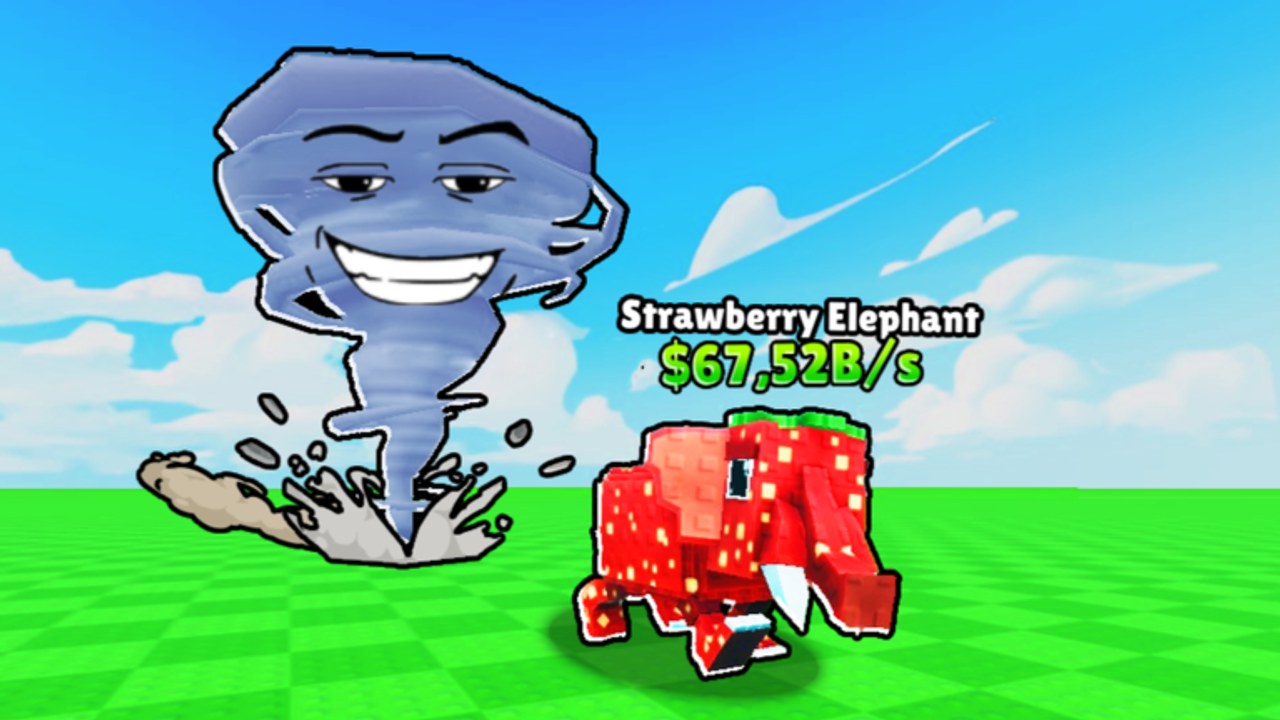
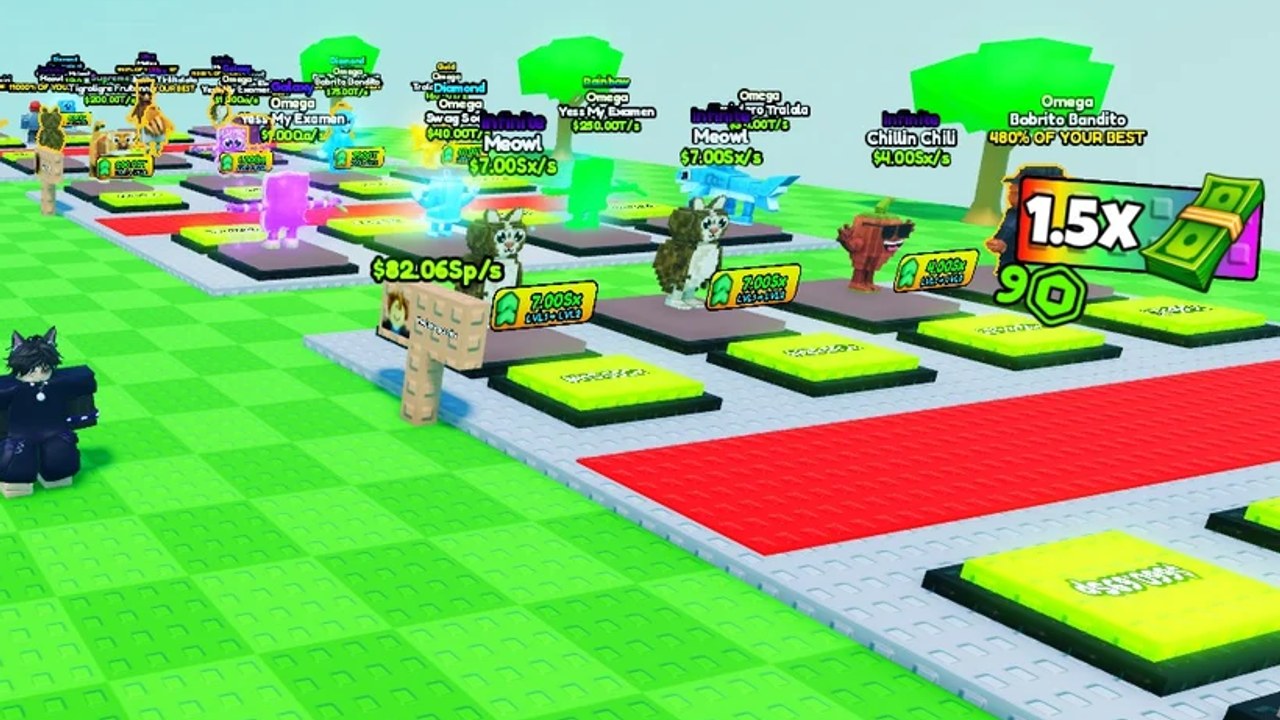
Be Tornado For Brainrots is a Roblox Simulation tycoon from Red Frog Games. You claim a plot, tap the fan to become a tornado, and ride wind power into rarity zones. Grab a Brainrot, press Return, park it on a pad, and watch cash tick. Spend that money on unit upgrades, wind, Carry slots, and Fans — not on a rebirth tree, because this build does not have one yet. Start with the Getting Started walkthrough, then check codes, the brainrot tier list, and the capture guide.
Be Tornado For Brainrots has zero confirmed promo codes as of Sep 2026. Check in-game and skip copied fake code lists.
View all CodesWalk the full tornado loop: plot fan, wind zones, Return, pads, unit upgrades, and chests in Be Tornado For Brainrots.
View all GuidesS–D ranking for Roblox Be Tornado For Brainrots: income, mutation, replace-cost, and chest percent of your best unit.
View all Tier ListNamed Brainrots on plot pads, Gold, Rainbow, Diamond, and Hacker-style mutations, and how each parked unit prints cash.
View all BrainrotsPatch tracker since 28 Jul 2026: fan prices, Carry slots, no rebirth in this Roblox build yet, and honest code status.
View all UpdatesBe Tornado For Brainrots scripts that auto-grab Brainrots, sell all, and upgrade wind, plus the Roblox account risks.
View all ScriptsPlan Be Tornado For Brainrots cash: when to buy wind, Carry, Copper or Gold fans, and when a chest percent is worth opening.
View all ToolsOfficial Be Tornado For Brainrots Roblox page, Red Frog Games group, and wiki hubs. No public Discord or Trello found.
View all LinksJoin a 6-player server, take an empty plot, and tap the fan. That is how you become the tornado — not a separate morph menu. Full steps live in Getting Started.
Wind power sets how far you fly. Land in Common, Uncommon, Rare, or Epic grass, grab one Brainrot, then hit Return. See the capture guide for zone order.
Place the Brainrot on a pad so it prints cash. Upgrade that unit before you dump everything into wind. Shop prices and order are in the upgrade guide.
Use the red SELL button on F-tier units like early Pharaoh or Pipi Kiwi. Spend the pile on wind, then Carry (starts at 1). Check the upgrade priority before a Gold fan.
Chest rolls pay a percent of your best Brainrot, not a fixed table. Wait for a real best, then read the chests guide so a 20% roll does not wreck the run.
Quick answers for tornado runs, plots, and cash.
Read Getting Started, then the capture loop and working codes. Skip rebirth guides copied from other brainrot games — this title does not have rebirth yet.
No confirmed promo codes as of September 2026. Bookmark the codes hub and the how to redeem page so you can cash a drop the hour it appears.
No. This is a fan resource for the Roblox experience by Red Frog Games. Confirm shop prices and events on the official game page before spending Robux.
This wiki supports: English, Français, Deutsch, Español, Português (BR).
Stand on your plot and activate the fan. Wind power controls throw distance. Full controls for PC and mobile are in the controls guide.
Not until wind is high enough for the extra distance to matter. Follow upgrade priority and the Fans and wind breakdown.
Claim the fan, learn Return, and stop wasting wind on commons. Start with the Getting Started guide, then grab codes if any drop and the tier list before you open a chest.
Start with the beginner guide